CRM Branding &
Design Services

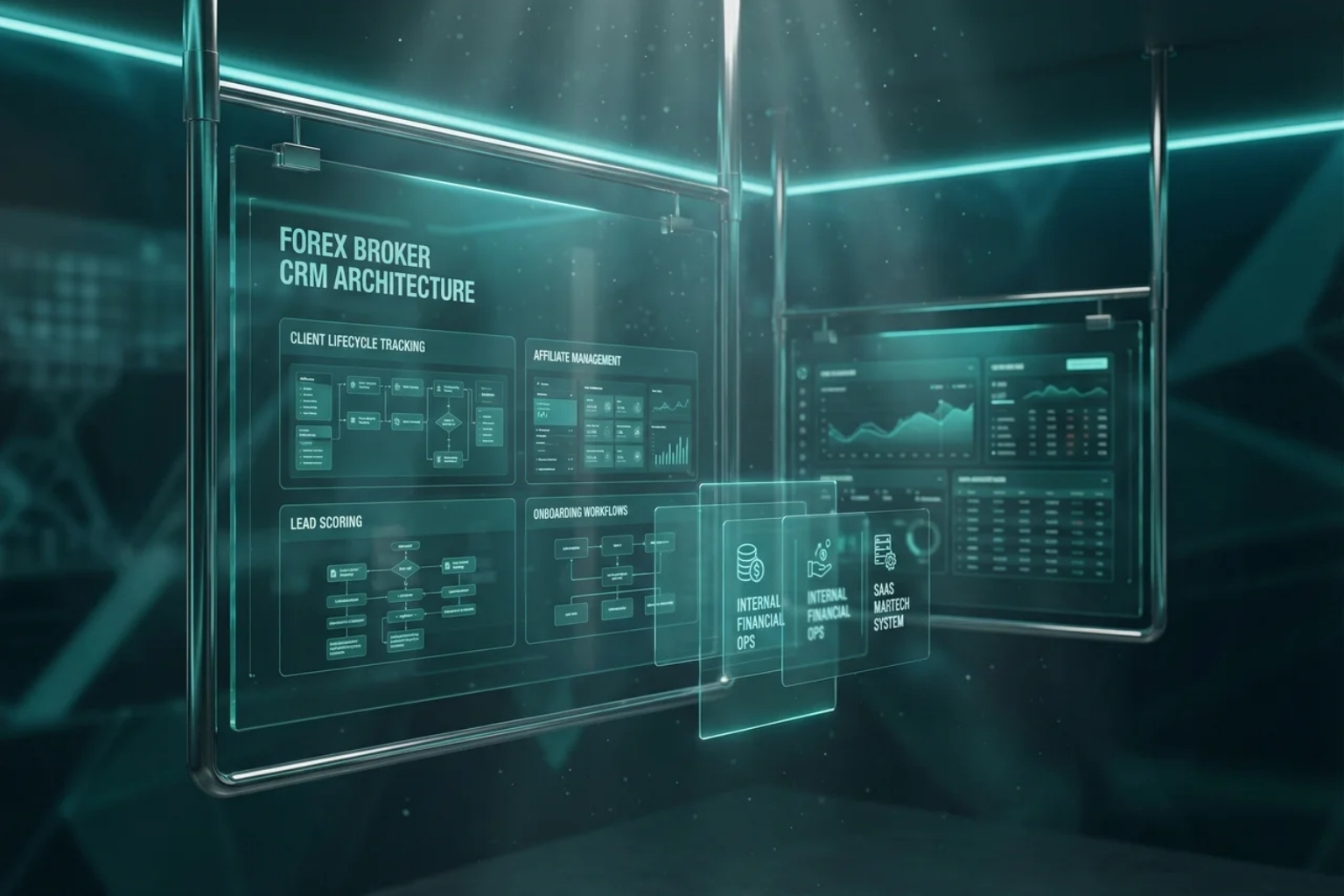
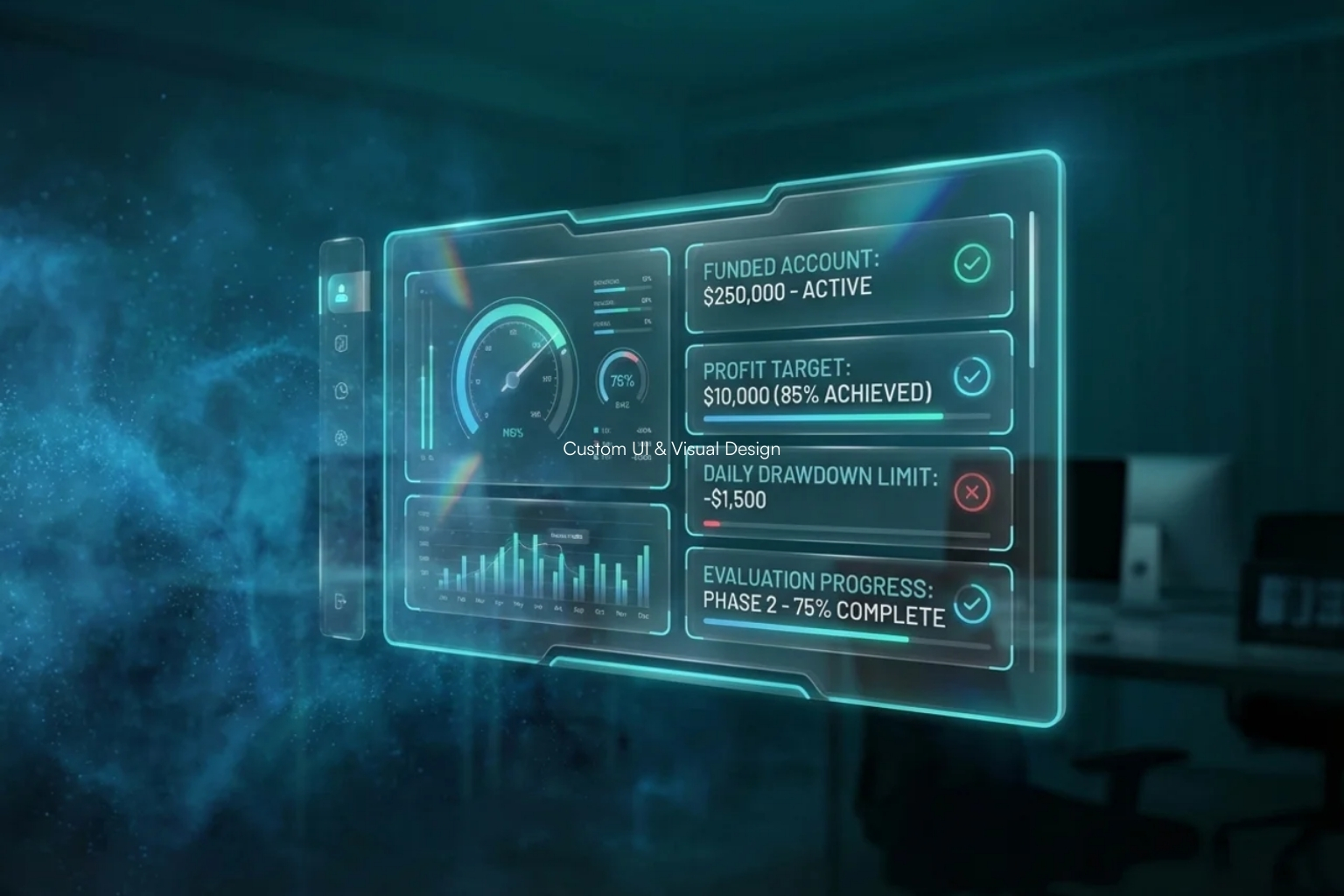
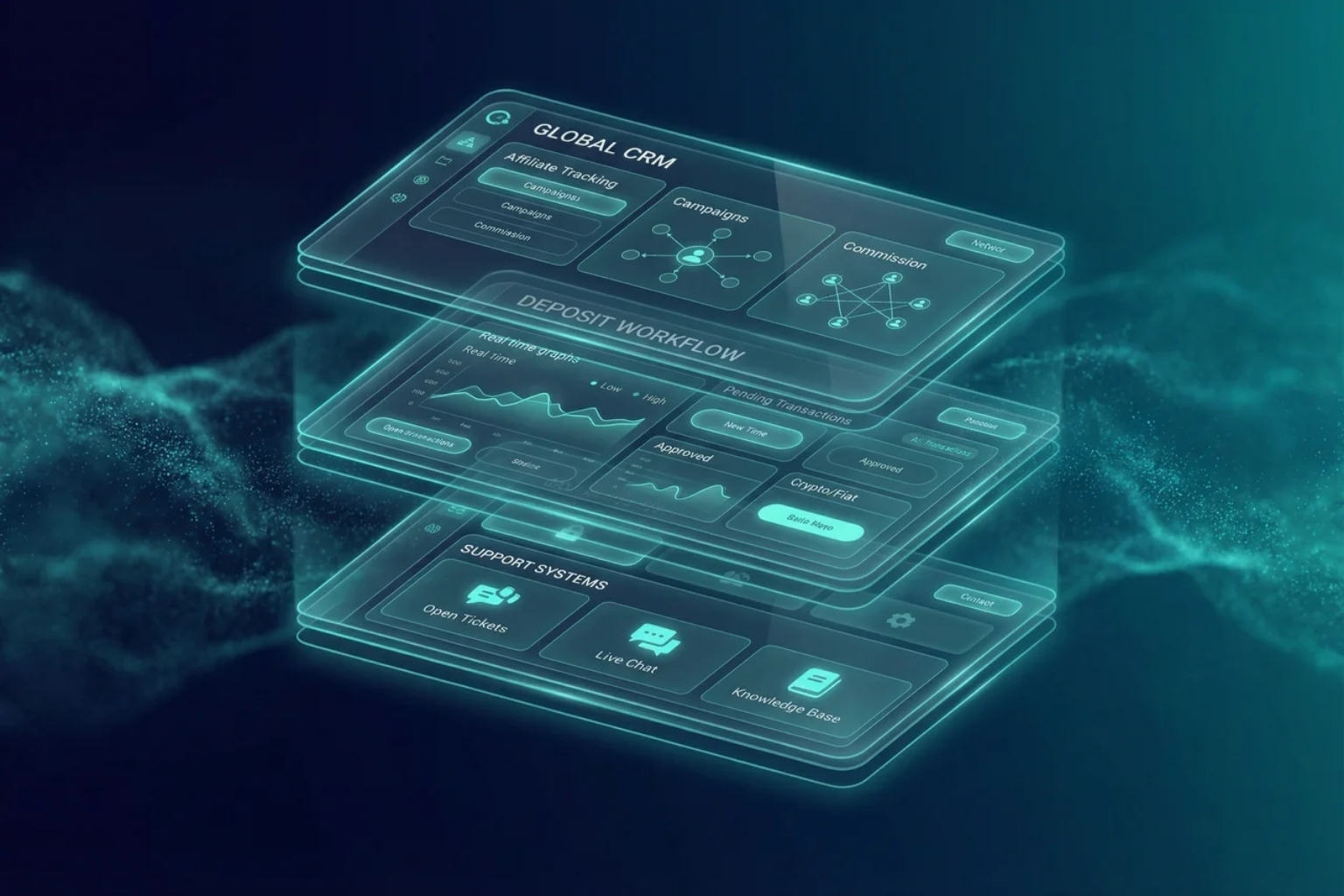
Your CRM is more than a tool — it’s the operational heart of your business. We design and brand intuitive, powerful CRM interfaces tailored for brokers, prop trading firms, and financial operations that boost adoption, efficiency, and user satisfaction.


Why CRM Branding & Design Matters

Improved Usability & Adoption

Well-designed CRM interfaces are easier to use and significantly increase adoption rates, especially in complex financial environments.

Faster Data Access & Clarity

Clear visual hierarchy and dashboards help teams find and interpret data faster.

Higher Operational Efficiency

Streamlined designs reduce training time, errors, and support costs.

Brand Cohesion Across Platforms

Consistent CRM branding strengthens trust, credibility, and professional identity.

Our CRM Branding & Design Solutions

Purpose-Built UI/UX & CRM Identity Design
CRM Interface
UX Planning
We research user roles, workflows, and key actions to build intuitive experiences that match how teams actually work — not just how a tech product is supposed to work.

• User personas and journeys
• Workflow optimization
• Screen logic & task prioritization

Custom Visual Identity & Branding
Your CRM should reflect your brand — not look like a generic tool.

• Custom dashboards
• Branded interfaces
• Color systems, typography & consistency
• Visual cues that match your identity across all screens

Dashboard &
Navigation Design

People spend most of their time interacting with dashboards — they are the command center of any digital platform.

• Logical layout & modules
• Clear data visualizations
• Role-based dashboards
• Engaging, intuitive navigation

Responsive &
Cross-Device Experiences
Enable teams to work smoothly on desktop, tablet, or mobile.

• Mobile-first thinking
• Adaptive UI components
• Touch & interaction-friendly elements

Component Libraries &
UI Systems

We create reusable design systems, icons that ensure consistency

• Modular UI components
• Consistent interaction patterns
• Scalable design frameworks

Interactive &
Data-Driven Interfaces

CRM screens aren’t just static — they must communicate intelligence:

• Interactive tables & charts
• Real-time metric displays
• Elements and workflow highlights

What Makes Our CRM Design Different

We build business tools — not just websites.

Finance-Focused UI/UX Expertise
We understand brokers, prop trading firms, and financial CRM environments.

User-Centered Workflow Design
We don’t just make things look good — we make them more efficient.

Brand-Aligned Visual Systems
Your CRM will visually belong to your ecosystem — not feel like a third-party add-on.

Productivity & Adoption Driven
Better design equals faster onboarding, better compliance, and reduced training friction.

CRM Designed to Drive Business Outcomes

01

Client onboarding automation

02

Sales, support, and operations workflows

03

Reporting & analytics dashboards

04

Revenue & engagement tracking

Flexible CRM Design Engagements

Tailored to Your Brokerage Stage
Starter CRM Branding
Perfect for fresh systems or rebrands:
Discuss Requirements
  • Basic UI system
  • Branded dashboards
  • Core workflows
Advanced CRM Design
For growing operations:
Talk to a Specialist
  • Role-based interfaces
  • Dashboard optimization
  • Component libraries
Enterprise CRM Solution
For complex platforms:
Request a Consultation
  • Full system design
  • Custom modules
  • High-scale workflows
Our CRM Design & Development Approach
1

Research & UX discovery

2

User flows & wireframing

3

Visual branding & UI design

4

Component and system building

5

Interactive prototyping

6

Delivery & design assets

Build a High-Performance Prop Firm Website

Create a professional, scalable, and conversion-optimized website built exclusively for prop trading firms.
Cart (0 items)

Create your account

Select the fields to be shown. Others will be hidden. Drag and drop to rearrange the order.
  • Image
  • SKU
  • Rating
  • Price
  • Stock
  • Availability
  • Add to cart
  • Description
  • Content
  • Weight
  • Dimensions
  • Additional information
Click outside to hide the comparison bar
Compare